Kingsway Junior School
School Gateway
The school uses a system called Schoolcomms. This is our primary source of communication from us to yourself, which enables us to email letters home and send texts to parents/carers, using the contact information that you supplied to us on the data information form. Only people you identified as having parental responsibility will be sent information this way.
This system enables you to make online payments for your child’s catering account, school trips etc. The instructions on ‘how to log on to School Gateway’ are listed below.
In order to activate Schoolcomms and School Gateway, we put parent/carer contact email addresses and mobile telephone numbers into our student database.
- Go to www.schoolgateway.com
- When you visit the School Gateway website for the first time, please select ‘New User’ and enter your email address and mobile telephone number you have registered with the school.
- The system will send a PIN code to your phone; please enter this PIN code and your account will be activated for you.
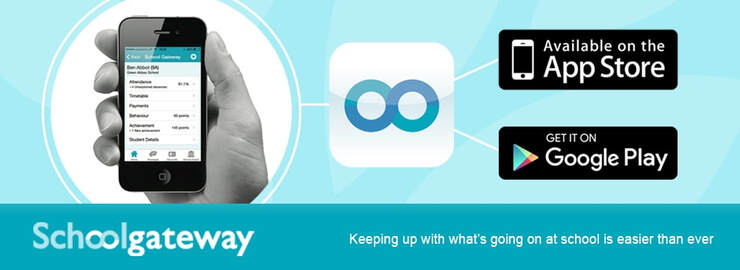
A new free, smartphone app is available called ‘School Gateway’ for Apple and Android devices. Please could you download this new App to your phone (it’s free) as it will further help us improve communication with parents and allow you to receive messages by WiFi even when you have no phone signal. The set‐up process is simple and will take no more than a couple of minutes.
- Search for “School Gateway” in the Apple App Store/Google Play or on your phone go to www.schoolgateway.com/apple (Apple) or www.schoolgateway.com/android (Android)
- Install the app and if you are asked then say yes to “Allow Push Notifications”
- When you launch the School Gateway App for the first time, please select ‘New User’ and enter the email address and mobile telephone number you have registered with the school
- The system will send a PIN code to your phone; please enter this PIN code and the app will be activated for you.
As soon as you have the system set‐up, all of the text messages we send you will appear in the app; you will receive notifications/alerts as normal.
Please be assured the Schoolcomms service is registered with the Data Protection Register and guarantees that all information supplied will be kept completely private and not shared with any third parties.
IMPORTANT – Our school messages will be sent from the email address SC9192133a@Schoolcomms.com. Please make sure you add this email address to your contacts (or approved sender list) in order to prevent messages being blocked by your spam/junk filters. Our text message will appear on your mobile phone from the number 07507271184. We would recommend that you save this number in your mobile phone and identify it as Kingsway Junior Schoolcomms for example.